Video content is fundamentally the most consumed media today. Movies and TV shows, personal clips and tutorials, we stream videos every day on a variety of different devices. However, videos take up a lot of memory on a computer or a phone. This is where TeraBox Video Play is useful.
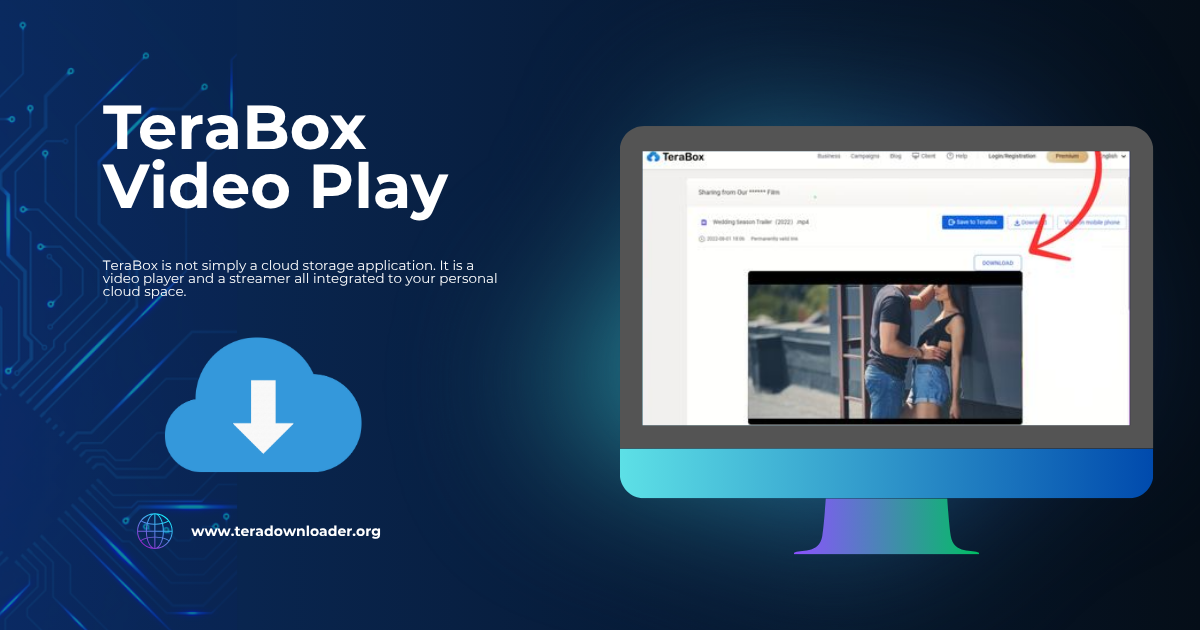
TeraBox is not simply a cloud storage application. It is a video player and a streamer all integrated to your personal cloud space. Upload a movie, save a personal video, or stream a file without downloading it, TeraBox will take care of all those tasks.
In the following sections, you will find a comprehensive description of TeraBox Video Play, a breakdown of how to operate it, and detailed discussions on its features, benefits, and comparisons with other applications, as well as troubleshooting and other frequently asked questions. Ultimately, you will be able to optimize the TeraBox application for video storage and playback.
What is TeraBox Video Play?
TeraBox cloud storage solution provides users with 1TB of free storage space on the cloud, which is enough to hold 300,000 pictures or several hundreds of high definition movies. However, the most remarkable feature of TeraBox is a storage cloud service that allows users to stream content directly over the internet to their devices without downloading the content.
Key Highlights:
- Supported Formats: MP4, AVI, MKV, MOV, and more stated formats.
- Cross-Platform Access: Available on Android, iOS, and desktop browsers.
- Free vs Premium: Free users get 1TB of storage; premium offers faster streaming, no ads, and higher resolutions.
To summarize, TeraBox is more than a storage; it is a cloud-based video player.
How to Use TeraBox Video Play
To use TeraBox is easy, and here is how to do it.
1. Install TeraBox on Mobile and PC
- Mobile Users: Download it on Google Play Store or Apple App Store.
- PC Users: Visit TeraBox website and log into your account.
2. Upload Videos to TeraBox
- Access the app or web version.
- Click the upload button.
- Choose video files from your gallery, downloads, or hard drive.
- Wait for the upload to finish.
3. Playing Videos in the TeraBox App
- Access your video folder.
- Select a video.
- The player will open the video.
- Hit the control to play, pause, skip, or change the playback speed.
4. Playing TeraBox Videos on Desktop
- Log into your account using a web browser.
- Open the video file you want.
- You can stream the video directly using the web player or cast it.
5. Offline Downloads
Wondering how to watch videos without internet? TeraBox allows you to download videos for offline access. Premium users enjoy quicker downloads and longer file retention.
TeraBox Video Play Key Features
TeraBox is remarkable for its video playback capabilities.
- HD Playback: Enjoy videos without the disruption of buffering.
- Cross-Device Support: Seamlessly transition from mobile to PC.
- Subtitle and Speed Options: Add subtitles or change the playback speed.
- Cloud Streaming: Play videos directly from your cloud storage.
- Secure Links: Password protected links allow you to share videos securely.
TeraBox Video Player Benefits
Why TeraBox and not your regular video player?
- Device Storage: Your phone memory remains free because videos stream from the cloud.
- Anywhere Streaming: Videos are accessible anytime via different devices.
- Automatic Backup: Videos are safe and will not disappear even if your device crashes.
- Easy Sharing: Large file transfers and tedious download processes are no longer a hassle.
- Free Storage: You enjoy 1TB of space at no cost.
Comparison of TeraBox Video Play with Other Video Players
For the lack of space, let’s compare TeraBox with other storage-based video players.
- TeraBox vs Google Drive: both offer cloud storage but TeraBox gives 1TB free whereas Google Drive only gives 15GB.
- TeraBox vs Dropbox: TeraBox is better for video storage because Dropbox limits free users to 2GB while TeraBox gives 2GB.
- Evaluating TeraBox and Mega: TeraBox boasts a more seamless integrated video player, while Mega allows users free access to 20GB of storage.
- Evaluating TeraBox and OneDrive: TeraBox is made for media lovers while OneDrive focuses on integration with Microsoft Office.
Common Issues (and Fixes)
Glitches will occur on any app, and TeraBox is no exception. Here are potential solutions to the most common video playing issues on TeraBox.
- Video not playing → Check to see if the internet connection is active.
- Video freezing and stuttering → Change to a Wi-Fi connection or get a subscription.
- Video in the wrong format → Convert to MP4 for playback.
- App sign in issues → Cache the app or delete it and, install again.
Optimize TeraBox Video Play
If you want a better experience, here are a few more tips:
- Constantly use a fast, steady connection.
- On a premium account, you are able to stream 1080p HD.
- Upload videos in MP4 format for seamless playback.
- Group videos for quicker access.
Is TeraBox Safe
“Is TeraBox safe” is a common question.
The answer is: Yes.
- Your files are safe with end-to-end encryption while you upload and playback.
- Your account is safe with logged in protection
- Your files are yours and will not be shared.
TeraBox is legal for the storage and personal video streaming.
Premium Features TeraBox
While free users enjoy many benefits, TeraBox Premium offers even more additional perks.
- 2TB storage space in the cloud.
- Increased download and streaming speed.
- Video playback without ads.
- Extended file storage.
TeraBox Video Play for Creators
TeraBox can be a transformative tool for video creators.
- Upload and share large files.
- Relate private links with clients.
- Keep creative projects in TeraBox as backup cloud storage.
Related:
- https://teradownloader.org/terabox-link-video-player/
- https://teradownloader.org/terabox-online-downloader/
- https://teradownloader.org/terabox-link-viewer-online/
- https://teradownloader.org/filezero-terabox-link-viewer/
- https://teradownloader.org/terabox-viewer-online/
- https://teradownloader.org/terabox-download/
FAQ’s About TeraBox Video Play
Q1. Can I stream 4K video on TeraBox?
Yes, but to ensure smooth video playback, you should get a Premium subscription.
Q2. Are subtitles supported on TeraBox?
Yes, you can insert subtitles during video playback.
Q3. Is TeraBox free?
Yes. A free user gets 1TB of storage. Premium provides more advantages.
Q4. How many videos can I keep?
With 1TB of storage, you can keep approximately 500 hours of HD video.
Q5. Can I stream TeraBox videos on my TV?
Yes, you can stream via screen mirroring.
Conclusion
TeraBox video play is more than a feature. For video lovers, TeraBox is a complete solution, integrating powerful cloud storage and streaming functionality into a single app. It is also one of the best video management tools for 2025, and offers a smooth video streaming experience with 1TB of free storage and additional premium benefits.
TeraBox provides an effective solution to the problem of limited storage space or the lengthy download times associated with large files. Experience the future of cloud video playback. Try TeraBox today!